Step-by-Step Guide to Open an Account with XM
Introduction
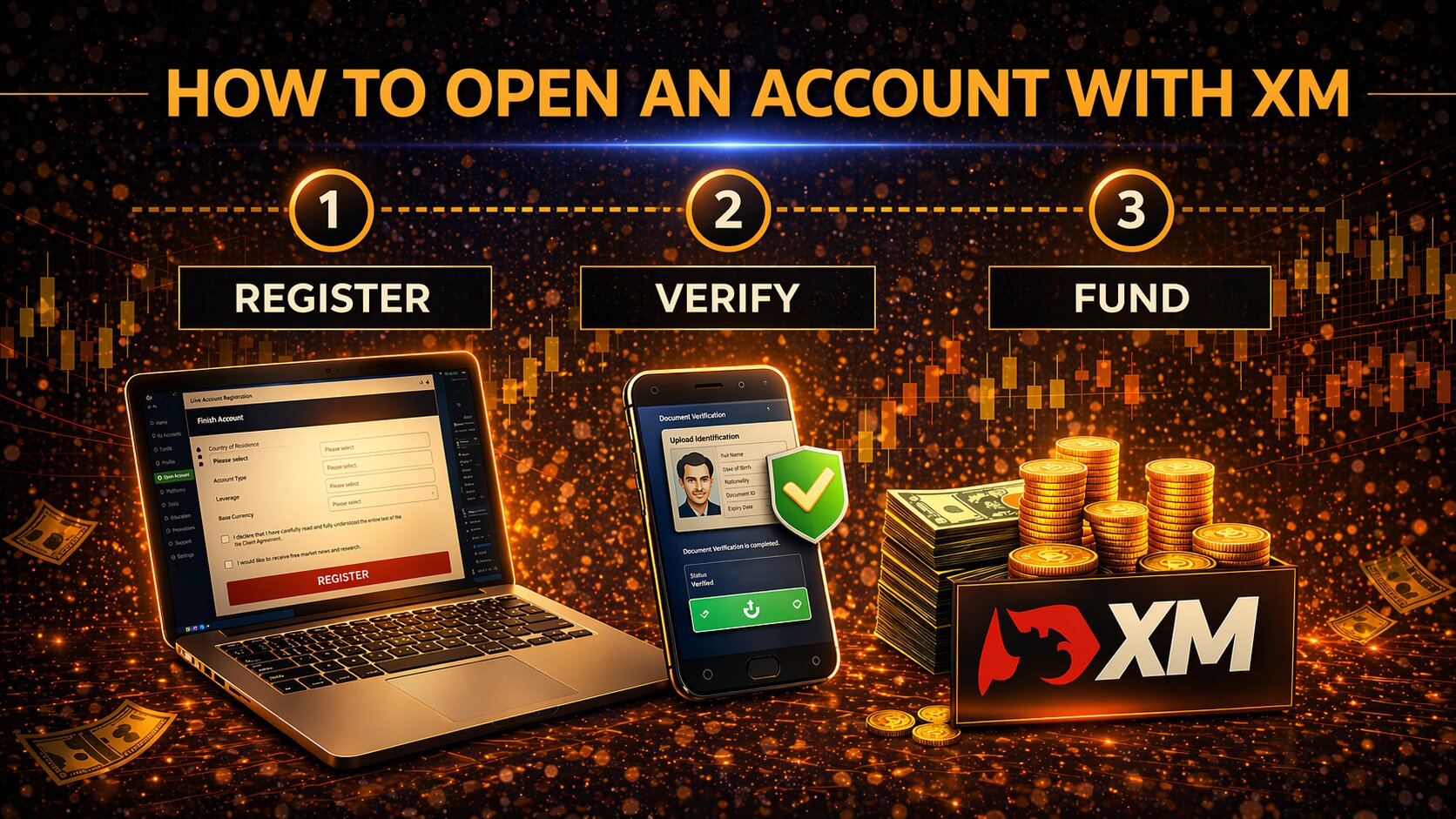
Opening an account with XM is a simple process, but it still includes standard registration and verification steps. Like most regulated brokers, XM asks users to complete an application form, choose an account setup, verify their identity, and fund the account before live trading.
Available options may vary depending on your country, the XM entity serving your region, and the account type you choose.
Step-by-Step Guide
1. Visit the XM Website
Go to the official XM website.
Make sure you are using the correct official domain and not a fake or copycat website.
2. Click on "Open Account."
On the homepage, look for a button such as Open Account or Start Trading.
Click it to begin the registration process.
3. Fill in the Registration Form
Complete the registration form with your personal and trading details.
You may need to provide:
Full name
Email address
Phone number
Country of residence
Preferred account type: XM may offer different account types depending on your region.
Account currency
Trading platform
Leverage preference, if available. Leverage options may also depend on local regulations. Higher leverage increases risk, so beginners should choose carefully.
Account Types
XM offers several account types for different needs. The Micro Account is suitable for smaller trades, while the Standard Account is a common commission-free option for retail traders.
The XM Ultra Low Account focuses on tighter spreads, and the Shares Account is designed for stock trading. XM also offers Islamic Accounts on request and a Demo Account for practice without real funds.
4. Verify Your Email
After submitting the form, XM will send a verification email.
Open the email and click the verification link to confirm your email address.
If you do not see the email, check your spam or promotions folder.
5. Submit Identity Verification Documents
XM may ask you to complete KYC verification before full account access is available.
KYC means Know Your Customer. It is the process brokers use to verify a client’s identity and reduce fraud risk.
You may need to upload:
Passport, driver’s license, or national ID
Proof of address, such as a utility bill or bank statement
The proof of address usually needs to show your full name and residential address. It may also need to be recent, depending on XM’s rules.
6. Fund Your Account
After your account is approved, you can deposit funds.
Available payment methods may vary by country, but common options include:
Bank transfer
Credit or debit card
E-wallets
Other regional payment methods
Before depositing, check the minimum deposit, processing time, currency options, and possible third-party fees.
7. Start Trading
Once your account is funded and approved, you can start trading.
Download MetaTrader 4 or MetaTrader 5, depending on the platform you selected during registration. You may also be able to use WebTrader.
Before placing live trades, beginners should learn the platform, test order types, and understand basic risk management.
8. Access Your Client Area
After registration, you can access the XM Client Area. From there, you can manage your account, check balances, upload documents, make deposits or withdrawals, and access available tools.
This area is also where you can manage account settings and platform access.
Additional Tips:
XM may offer a demo account for users who want to practice before trading with real money.
A demo account can help beginners understand the platform, test strategies, and learn how orders work without financial risk.
XM may also offer promotions in some regions. Always read the terms carefully before using any bonus or promotional offer.
Conclusion
Opening an XM account involves registration, email verification, identity checks, funding, and platform setup. The process is generally straightforward, but users should check account rules, payment methods, leverage limits, and regional restrictions before depositing funds.
Beginners should start with a demo account or small deposit, learn the platform first, and use proper risk management before trading live.