Brokerate| Review,Rate,Rebate logo
Sign in

Articles

Topic: Broker Review

Smart takes on trading platforms, market structure, and risk. Search, filter, and discover what matters to you.

RoboForex broker review 2026 cover image with official-style RoboForex logo, trading platform screens, forex charts, and blue financial background.
6 min read Matt Barnez

RoboForex Forex Broker Review 2026

RoboForex is a forex and CFD broker founded in 2009 and based in Belize City, Belize. The broker offers access to more than 12,000 instruments across 7 asset types, including forex, metals, energies, indices, ETFs, stocks, and CFDs. RoboForex supports a mix of MetaTrader 4, MetaTrader 5, R WebTrader, R MobileTrader, R StocksTrader, and copy trading, giving users access to both popular third-party platforms and its own proprietary tools. This RoboForex broker review examines its regulation, fees, platforms, account types, and public feedback to help readers assess the broker more carefully. This content is for informational purposes only and does not constitute investment advice.
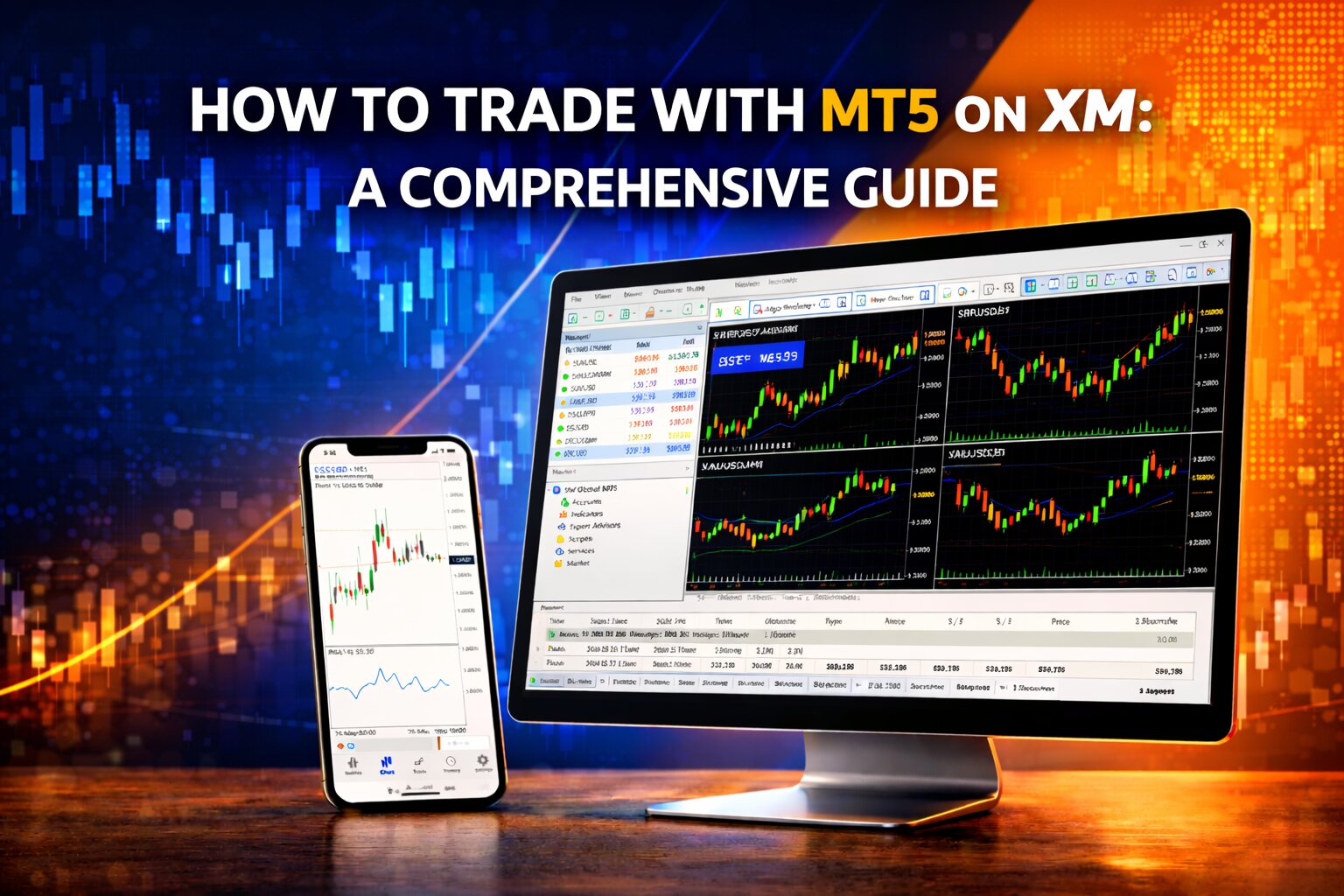
How to trade with MT5 on XM illustration featuring desktop monitor and smartphone with live trading charts on a blue and orange financial background.
3 min read Matt Barnez

How to trade with MT5 on XM: A Comprehensive Guide

MetaTrader 5 (MT5) is an advanced trading platform that offers more features and flexibility compared to its predecessor, making it a popular choice among traders using XM. Whether you are trading forex, commodities, or other financial instruments, MT5 provides powerful tools for market analysis, order execution, and risk management. In this guide, we will walk you through the complete process of using MT5 with XM, from downloading and installing the platform to logging in and exploring its key features.

MT4 trading on XM illustration showing desktop and mobile trading platforms with live charts, setup icons, trading tools, and XM branding in a gold-and-dark financial scene.
4 min read Matt Barnez

How to trade with MT4 on XM: A Comprehensive Guide

MetaTrader 4 (MT4) is one of the most widely used trading platforms in the world, and XM provides full support for it across desktop and mobile devices. Whether you are a beginner or an experienced trader, understanding how to properly set up and use MT4 with XM is essential for managing trades, analyzing markets, and executing strategies effectively. In this guide, we will walk you through the complete process, from downloading and installing MT4 to logging into your XM account and using the platform’s key features.

XM Broker Review 2026 cover image with trading charts on laptop and tablet screens
5 min read Matt Barnez

XM Broker Review 2026

XM is a global forex broker operating since 2009, known for regulation, low entry requirements, and many trading instruments. This review explains XM’s features, trading conditions, and what traders should realistically expect.

Scalping strategy on FXPro platform showing tight spreads and high-frequency trading
4 min read Matt Barnez

Is FXPro Good for Scalping?

Scalping is a short-term forex strategy that relies on small price movements, tight spreads, fast execution, and high leverage. FXPro can be a strong option for scalpers because it offers conditions suited to fast, low-latency trading.

FxPro Forex Broker Review 2026: Trading platforms and financial elements with the FxPro logo
4 min read Matt Barnez

FxPro Review 2026 – Regulation, Fees, Platforms & Trading Conditions

FxPro is a multi-regulated forex and CFD broker founded in 2006. The company provides access to multiple trading platforms and operates under different regulatory entities worldwide. This review analyzes FxPro’s regulation, fees, trading conditions, and overall broker structure to help traders make informed decisions. This content is informational and not investment advice